Real-Time Multiplayer
Take turns on a shared board and see your opponent's moves as they happen. Play a friendly match or test your ideas against someone new.
Play chess with a friend or face a new opponent from around the world. Enjoy a free two-player game right in your browser. No download or registration required — choose your opponent and make your first move.
Play Chess 2 Player Now


Free browser play. No download or registration required.
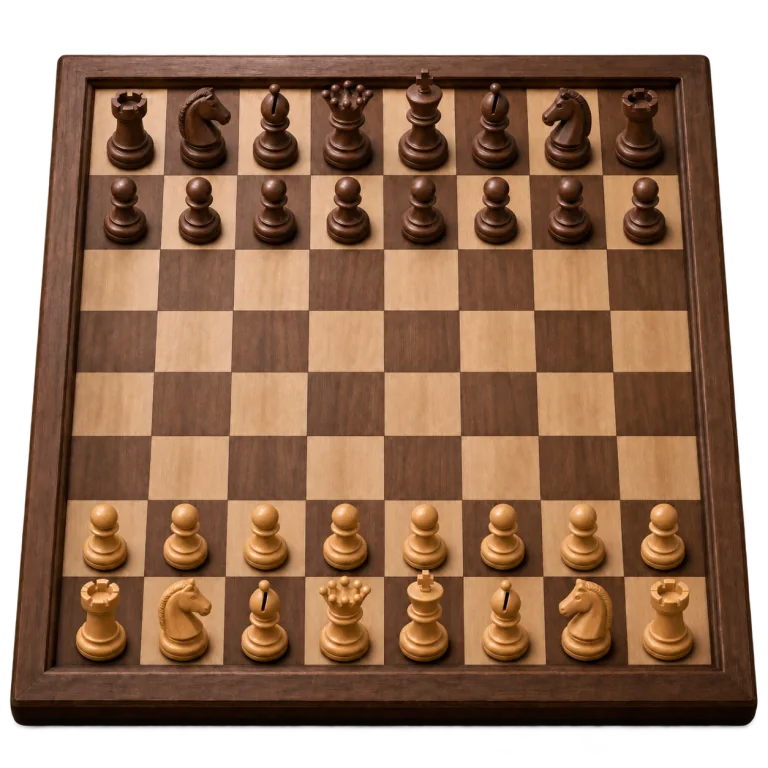
A familiar board, a real opponent, and a fresh challenge every game.
Take turns on a shared board and see your opponent's moves as they happen. Play a friendly match or test your ideas against someone new.
Create a private chess game and send your friend the invitation link. You can play together from separate devices, whether you're across the room or miles apart.
Open the game and start as a guest. There's no account to create or software to install before you can enjoy a game of chess.
Use your phone, tablet, laptop, or desktop computer. The board adapts to your screen, so you and your opponent don't need the same kind of device.
Warm up against adaptive AI or choose a training bot. Try a new opening, work on your tactics, and build confidence before your next two-player match.
Enjoy free chess in your browser. Play with friends, meet online opponents, or share one device for a game together in person.
Choose how you want to play. The board is ready when you are.
Online multiplayer: Play a live game against another person. Each opponent brings different openings, plans, and habits to the board.
Private game with a friend: Create a match and share the invitation link. Your friend joins from their own browser.
Two players on one device: Sit together and take turns on the same screen. It's a simple way to play without a physical chess set.
Computer practice: Choose adaptive AI or a training bot when you want to play on your own. Bot difficulty ranges from Easy to Grandmaster.
Six kinds of pieces, one clear goal: checkmate the opposing king.
Chess is played on an 8×8 board with 64 light and dark squares. Each player starts with 16 pieces: one king, one queen, two rooks, two bishops, two knights, and eight pawns.
Keep a light square in the bottom-right corner. The queen starts on a square of her own color, with the king beside her. White makes the first move, and the players then alternate turns.
Most pieces capture by moving onto a square occupied by an enemy piece. You may never leave your own king in check, and the king itself is never captured.
Check: Your king is under attack. You must escape by moving the king, capturing the attacking piece, or blocking the attack where possible.
Checkmate: The king is in check and there is no legal way out. The game is over. If a player has no legal move but is not in check, the result is stalemate — a draw.
Castling: The king moves two squares toward a rook, and that rook moves to the square the king crossed. Neither piece may have moved before, the squares between them must be empty, and the king cannot castle out of, through, or into check.
Promotion: A pawn that reaches the farthest rank becomes a queen, rook, bishop, or knight of the same color. A queen is the usual choice, but sometimes another piece is better.
En passant: If an enemy pawn advances two squares and lands beside your pawn, your pawn may capture it diagonally as though it had advanced only one square. You must do so on your very next move.
Make time for a game, stay in touch, and give yourself something new to think about.
You don't need to carry a set or find a local club to enjoy a game. Open your browser and play from home, during a quiet break, or while visiting a friend. For an online match, all you need is a supported device and an internet connection.
One player may attack quickly; another may trade pieces and aim for an endgame. Playing a variety of people helps you recognize different plans and learn to respond to the position in front of you.
Give each session a small goal: develop your pieces before attacking, stop leaving pawns undefended, or watch for knight forks. A focused game can teach you more than a long string of rushed moves.
A two-player chess game gives you something to share with a friend, even when you live far apart. Send a private invitation, play a match, and come back for a rematch when you're both ready.
Good habits matter more than memorizing a long list of opening moves.
Fight for the center. Central pawns and active pieces give you space and make it easier to move from one side of the board to the other.
Develop your knights and bishops. Bring pieces into play before moving the same piece repeatedly. Avoid sending your queen out early without a clear reason.
Keep your king safe. Castle when the position calls for it, and think carefully before moving the pawns that protect your king.
Check your opponent's threats. Before every move, ask what changed after their last turn. Look for checks, captures, and undefended pieces on both sides.
Choose a comfortable pace. A slower time control gives you room to calculate. Faster games can be fun once you're comfortable spotting basic threats.
Use your clock wisely. Save thinking time for difficult positions, but take a moment to check even a move that looks obvious.
Learn one thing from each game. Think back to a turning point: an overlooked check, a loose piece, or a missed chance to simplify. Take that lesson into your next match.
Give the game your attention. Use a stable connection, keep the board visible, and avoid distractions during a live match.
Open the chess lobby and choose the kind of game you're in the mood for.
Create a private invitation and enjoy a familiar rivalry, wherever you both happen to be.
Play with a friendFind another player and put your plans to the test in a live two-player match.
Find a gamePractice with adaptive AI or choose a training bot that suits your current level.
Play against AIShare a phone, tablet, or computer and take turns on a single chessboard.
Play togetherA few things to know before your first move.
Yes. You can play free two-player chess in your browser on Draughts.io. Choose an online opponent, invite a friend, or play together on the same device.
No. You can start as guests without registering. Open the chess lobby and choose how you want to play.
Open the chess lobby, choose the option to play with a friend online, and create a private game. Share the invitation link so your friend can join from their own device.
Yes. Choose the same-device mode and take turns moving on one board. You can share a phone, tablet, laptop, or desktop computer.
Yes. Choose adaptive AI for an opponent that adjusts to your level, or select a training bot at Easy, Medium, Hard, Master, or Grandmaster difficulty.
Yes. The game adapts to mobile, tablet, and desktop screens in a modern browser. Live online matches require an internet connection.
The main goal is checkmate: the opposing king is in check and has no legal escape. A game can also end when a player resigns or loses on time under the game's rules. The king is never captured.
In checkmate, the king is under attack and there is no legal way to escape, so that player loses. In stalemate, the player has no legal move but the king is not in check, so the game is a draw.
Invite a friend, find an opponent, and see where the next game takes you.
Play Chess 2 Player Free